
Printhead care: five common mistakes
Nozzle checks, suitable cleaning materials and planned downtime help control print quality. Learn what to check and when to contact a service technician.
Start with the manual for your model
Printheads, inks, cleaning fluids and maintenance procedures vary between printers. Follow the manual for your specific model, the machine’s messages and the manufacturer’s safety instructions. This article explains general maintenance principles; it does not replace the manual or a service technician’s instructions.
1. Waiting for poor print quality before testing
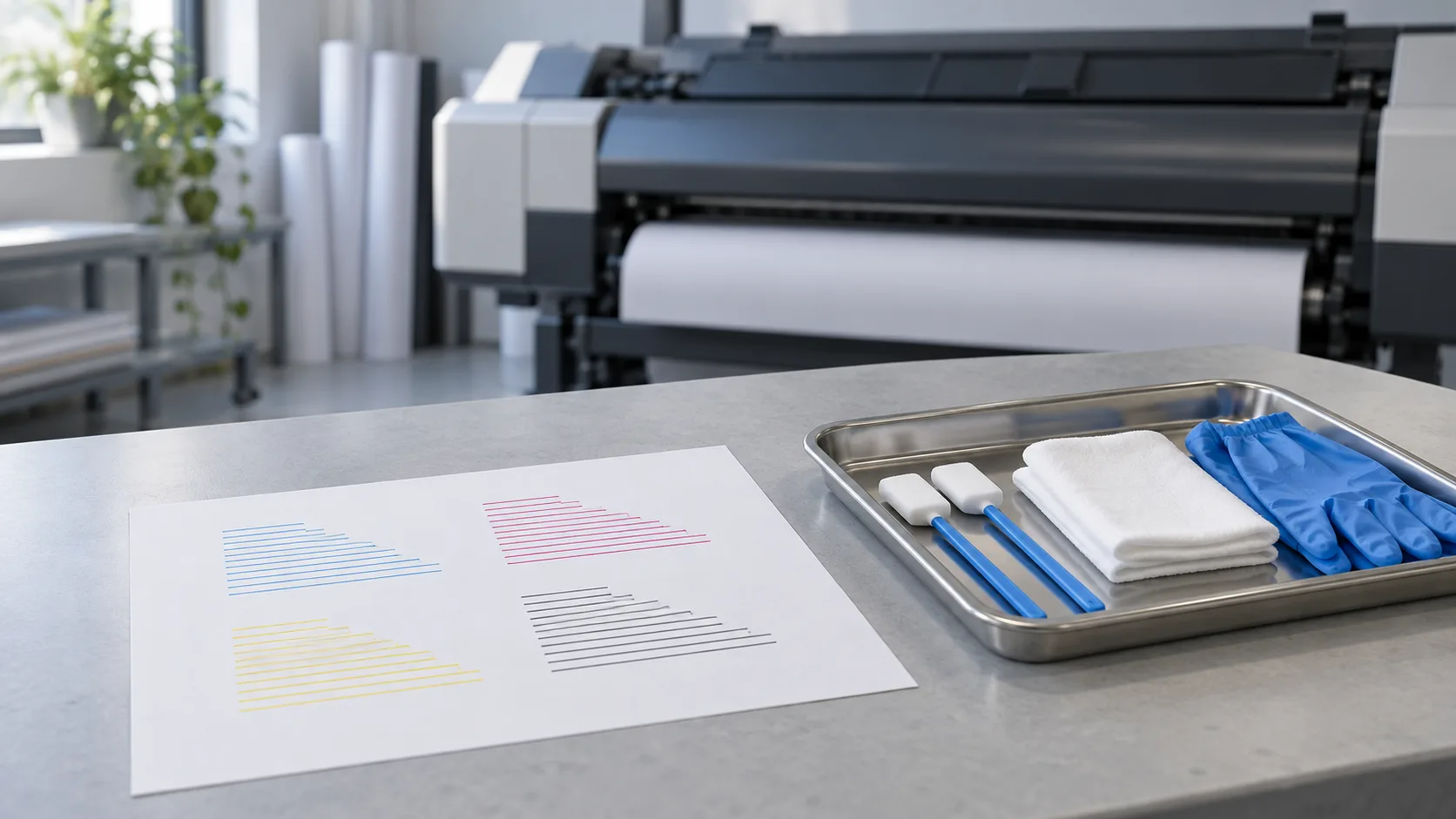
If a customer job is your first check, you may spot a problem only after part of the run has been spoiled. A nozzle test reveals missing or deflected lines and helps establish whether cleaning is needed.
Run tests at the manufacturer’s specified intervals and before production where the manual requires it. Keep a photograph of a faulty test, then repeat the test after cleaning and compare the results.
2. Starting with the strongest cleaning mode
More intensive cleaning is not necessarily the right first step and may use more ink. Choose the mode and sequence according to the model’s manual and the test result, rather than a rule applied to every printer.
Record the action and its result. If the prescribed sequence does not help, do not repeat cleaning cycles indefinitely: contact a service technician to identify the cause.
3. Using unsuitable cleaning materials
A lint-shedding cloth can leave fibres behind, while an unsuitable fluid can damage components. The manual cleaning instructions specify both the materials and the areas that may be cleaned.
Use only the materials specified for the model, keep them clean and do not touch the nozzle surface unless the manufacturer explicitly instructs you to do so. If an area is unclear, consult a service technician before cleaning it.
4. Ignoring other maintenance areas
Nozzles are not the only source of print defects. Dust, fibres and dirt from the wiper or media path can reach the print area. Cleaning the head alone may therefore leave the cause unresolved.
Make a model-specific checklist covering daily, periodic and message-triggered maintenance. Include only user-permitted tasks: do not dismantle the ink system or perform work reserved for service technicians.