
ICC profiles: keeping colour consistent between batches
An ICC profile alone cannot keep colour consistent. Learn which process conditions to record, when to calibrate and what to check before the next batch.
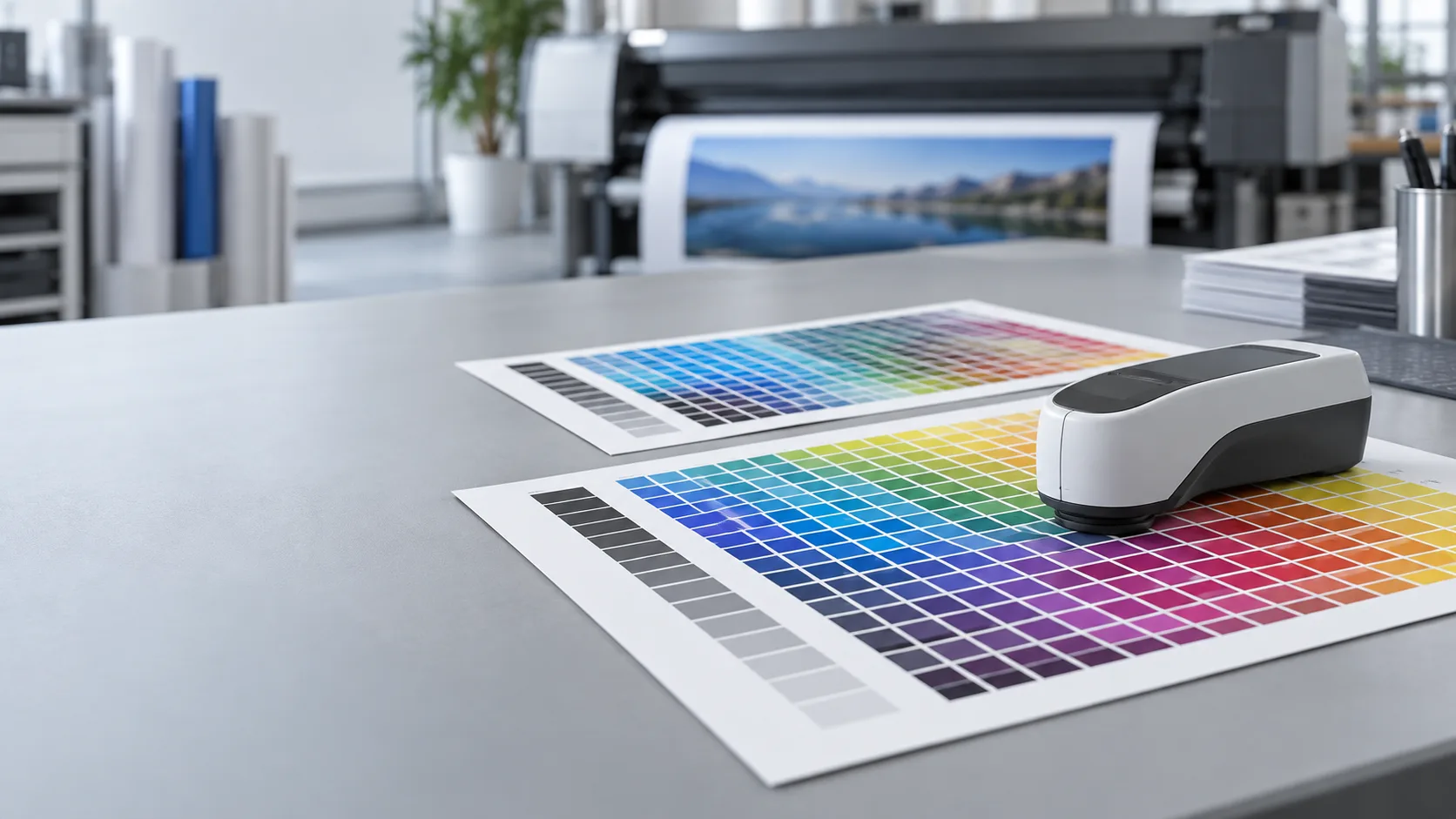
What an ICC profile describes
A printer ICC profile describes colour reproduction under specific conditions: a particular ink, material and print mode. The colour management system uses it when converting file colours to the printer’s reproducible colour range. It is not a universal file for every material and mode.
When an important part of the process changes, check whether the profile is still suitable. A profile cannot fix blocked nozzles, uneven media feeding or unstable drying conditions.
Start by recording production conditions
- Printer model, ink system and exact material; include the material batch where relevant.
- RIP software, resolution, pass count, print direction and ink limits.
- Heating, drying and media take-up settings.
- Ambient temperature, relative humidity and planned finishing.
- Measuring instrument, measurement conditions and time between printing and measurement.
Before printing a profiling chart, carry out the nozzle check and maintenance specified by the manufacturer. Create the profile only when the printer is stable.
Calibration and profiling are different steps
Calibration helps return the process to a defined reference state; the profile describes the colours reproduced in that state. Follow the workflow specified by your RIP and profiling software.
- Check the equipment, set suitable ink limits and calibrate.
- Print the profiling chart according to the software instructions, without unintended additional colour corrections.
- Allow the specified drying or stabilisation time, measure the chart and create the profile.
- Check the result with an independent control file containing neutral tones, gradients and colours important to the job.
- Save the settings, profile, reference print and measurements.
Checks before the next batch
Check a new material or ink batch with a short control job rather than a full production run. Run a nozzle check, print the same control strip and compare it under consistent measurement and lighting conditions.
If the difference exceeds the agreed tolerance, first look for changes in the material, ink, environment, settings or equipment condition. There is no single tolerance for every job: agree on the limit and assessment method before production.